
Zoho CRM8 min read
How Zoho CRM Streamlines Your Sales Process
Discover how Zoho CRM helps businesses organise leads, manage sales pipelines, automate follow-ups, and build a more consistent sales process.
Praba
Oct 17, 2026
Customers expect businesses to respond to their questions, resolve problems, and provide clear updates. As a company grows, meeting these expectations becomes more difficult when support requests arrive through multiple channels and employees manage them using separate tools.
Without a structured process, customer enquiries can be overlooked, response times may become inconsistent, and support teams may struggle to understand which issues require immediate attention.
Zoho Desk helps businesses organise customer support activities through a central ticket management system. With the right configuration, teams can track enquiries, assign responsibilities, manage service workflows, and gain better visibility into their support operations.
When a business has only a few customers, employees can often manage support requests through email, phone calls, or messaging applications. However, as the customer base grows, keeping track of every conversation becomes increasingly challenging.
Several problems can affect the quality and consistency of customer support.
These challenges can create unnecessary work for employees and frustration for customers.
The solution is not always to hire more support staff. In many cases, businesses first need a consistent way to record requests, assign responsibility, monitor progress, and ensure that every issue receives appropriate attention.
Zoho Desk is a customer service and help desk application that helps businesses manage customer support requests.
It uses a ticket-based approach, allowing support teams to record enquiries, track conversations, assign tickets, and monitor their resolution. Depending on the configuration and available features, teams can also use automation, knowledge bases, service-level agreements, and reporting capabilities to organise their work.
For example, imagine a software company receiving questions about account access, billing, and technical issues. Without a central support system, employees might manage these enquiries through separate email inboxes and spreadsheets.
With Zoho Desk, the company can organise incoming requests as support tickets, assign them to appropriate employees, and track their progress until resolution.
This creates a more structured process for managing customer issues and helps managers understand what is happening across the support team.
Zoho Desk can support businesses of different sizes, but its configuration should reflect the complexity of their support operations, customer communication channels, and service requirements.
A reliable customer support process begins with capturing requests and making their status visible to the people responsible for resolving them.
Zoho Desk helps teams organise customer enquiries into tickets. Each ticket can contain relevant information about the request, its status, assigned agent, priority, and conversation history.
This makes it easier for employees to understand what needs attention without searching through multiple communication channels.
For example, a customer might report that they cannot access an important business application. Another customer may ask a general question about a product feature. The support team can classify and prioritise these requests according to their urgency and business impact.
Ticket assignment also helps establish clear ownership. Managers can distribute work across agents and monitor unresolved requests rather than relying on informal conversations to determine who is handling each issue.
Businesses should define simple, consistent rules for ticket categories, priorities, and assignment. An overly complicated classification system can make it harder for employees to maintain accurate records.
Explore our Zoho Desk services to learn how a structured help desk setup can support your customer service operations.
Support teams frequently perform repetitive administrative tasks, including assigning tickets, sending acknowledgements, updating statuses, and notifying employees about specific issues.
When these activities are handled entirely by hand, employees have less time to investigate problems and communicate with customers.
Zoho Desk provides automation capabilities that can help businesses standardise suitable support workflows. Depending on the configuration, teams can use workflow rules, assignment rules, notifications, and other supported automation options.
Consider a company that receives support requests from several departments. The business can configure assignment rules to route tickets according to defined criteria, such as department or request category, where the relevant functionality supports the workflow.
Similarly, notifications can help employees become aware of important updates, while workflow rules can trigger actions when specified conditions are met.
Automation should be introduced carefully. Incorrect rules can assign tickets to the wrong employees, send unnecessary notifications, or create confusion for customers.
Start by identifying the repetitive tasks that consume the most time. Define the expected behaviour, test the rules with realistic examples, and review the results before expanding automation across the entire support process.
The objective is to make support operations more consistent while preserving the judgement and communication skills that customer service requires.
Customers often contact support because they need information, guidance, or help resolving a problem. A good support process should make it easy for them to communicate with the business and understand what happens next.
Zoho Desk supports customer service workflows that help agents manage conversations and maintain ticket histories. Depending on the configured channels and integrations, businesses can organise enquiries from supported communication sources within their help desk environment.
Keeping relevant conversations associated with tickets helps employees understand previous interactions and avoid asking customers to repeat information unnecessarily.
Another useful capability is a knowledge base. Businesses can publish articles that explain common questions, troubleshooting steps, product instructions, and frequently requested information.
For example, a company might create an article explaining how customers can reset their passwords or configure a particular feature. Customers can consult the available documentation when they need assistance, while support agents can direct them to relevant resources.
Self-service does not eliminate the need for personal support. Instead, it gives customers another way to find answers and allows employees to focus on requests that require individual attention.
Businesses should review their knowledge base regularly to ensure that instructions remain accurate, easy to understand, and relevant to actual customer questions.
Managing customer support requires more than counting the number of tickets received. Business owners and support managers also need to understand how efficiently requests are handled and where improvements may be necessary.
Zoho Desk provides reporting and analytics capabilities that can help teams review support activity and service performance.
Depending on the available reports and configuration, useful indicators may include:
These indicators can help managers identify patterns and make informed decisions about staffing, training, and process improvements.
For example, if tickets in a particular category frequently take longer to resolve, the team can investigate whether additional documentation, technical training, or clearer escalation procedures would help.
Likewise, a growing backlog may indicate that incoming requests exceed available capacity or that certain workflows need improvement.
Metrics should be interpreted in context. Resolving tickets quickly is not necessarily a sign of good service if customers' problems remain unresolved. Businesses should balance efficiency with resolution quality and customer experience.
Introducing a help desk application is most effective when it is supported by a clear customer service process. Simply creating tickets without defining responsibilities and workflows may not solve the problems the business is experiencing.
A practical implementation can follow five steps.
Review your support process. Identify the channels customers use, the types of enquiries received, and the issues that cause the most delays.
Define ticket categories and priorities. Establish a manageable classification system that helps employees identify the nature and urgency of each request.
Configure agents and responsibilities. Set up the appropriate departments, users, assignment rules, and access permissions according to your support structure.
Introduce useful automation and documentation. Configure notifications and workflows where appropriate, and create knowledge base articles for common customer questions.
Train employees and review performance. Help agents understand how to manage tickets consistently. Monitor unresolved requests, response times, resolution quality, and customer feedback to identify opportunities for improvement.
Businesses may also need integrations with CRM, communication tools, or other applications. These requirements should be evaluated according to the channels customers use and the information support agents need to access.
For organisations with more complex workflows, an implementation partner can help assess requirements, configure the help desk, plan integrations, and establish suitable service processes.
At Zovysys, we help businesses evaluate their operational requirements and implement appropriate Zoho solutions. The goal is to build a customer support environment that fits the organisation's workflows rather than adding another disconnected application.
Explore our Zoho services to learn how connected business applications can support your customer service operations.
A structured customer support process can help your business manage enquiries more consistently and provide customers with clearer communication. If you are considering Zoho Desk for your organisation, schedule a consultation with our team to discuss your requirements and explore an implementation approach suited to your business.
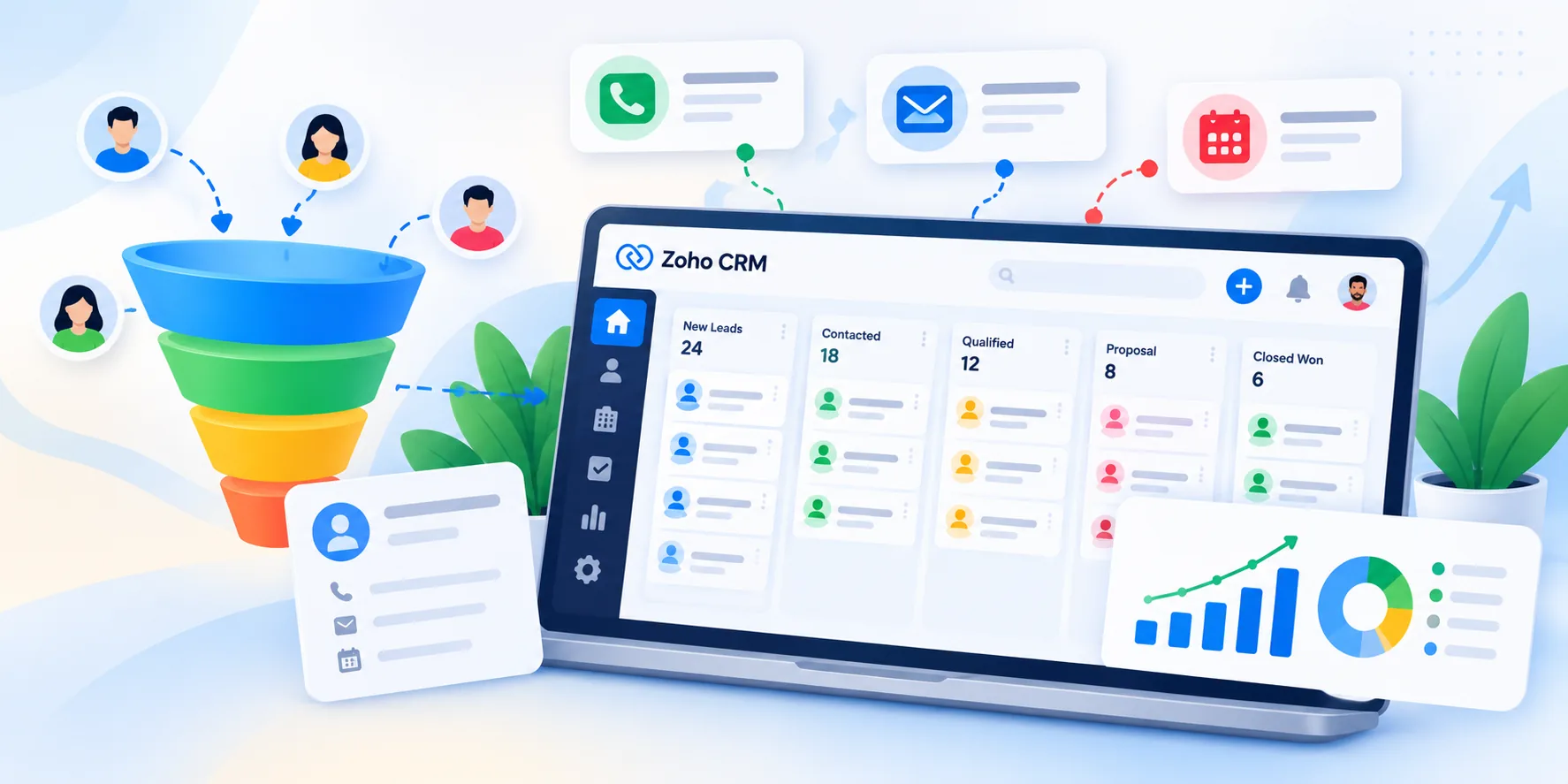
Discover how Zoho CRM helps businesses organise leads, manage sales pipelines, automate follow-ups, and build a more consistent sales process.
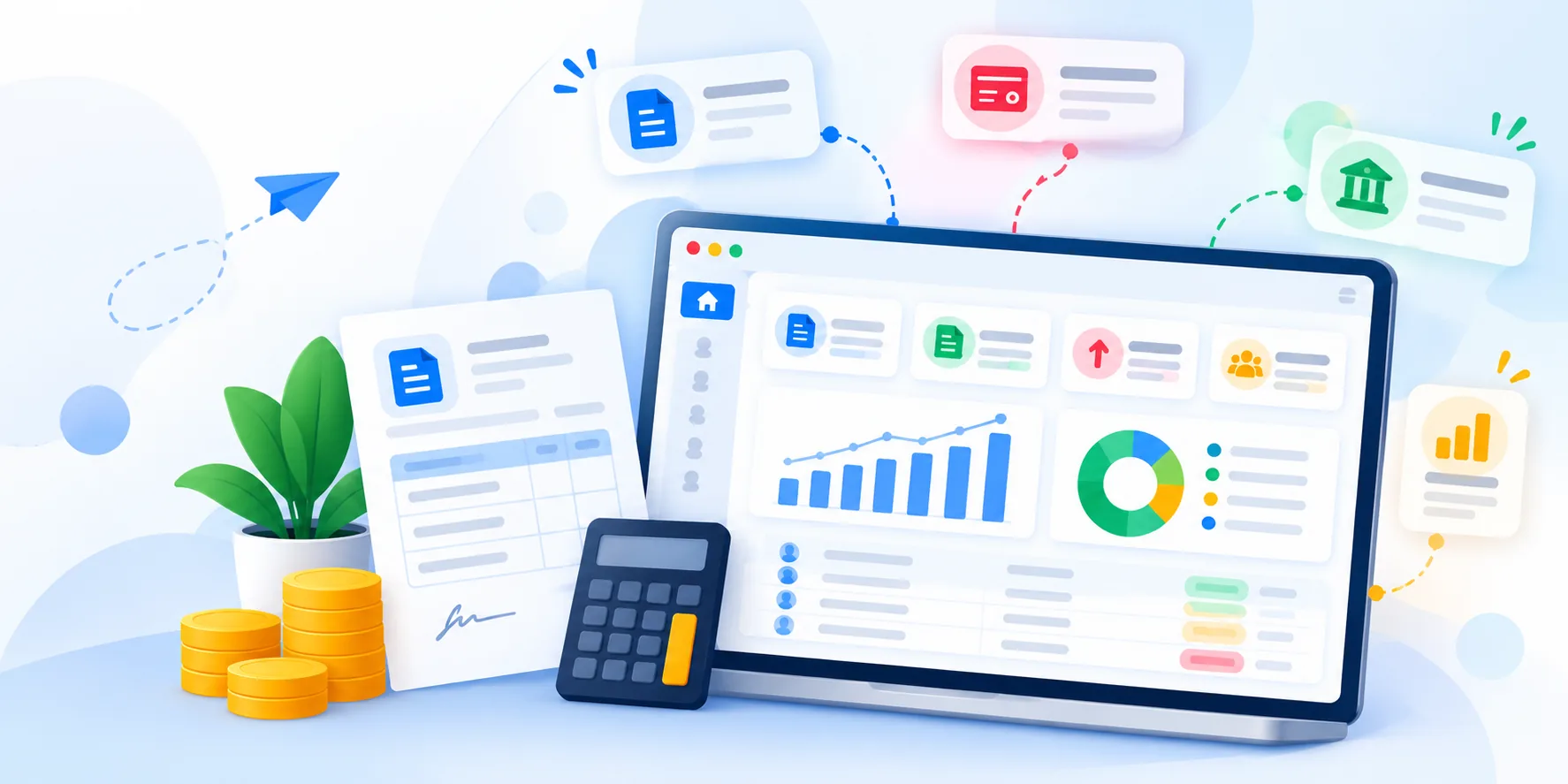
Learn how Zoho Books helps small businesses manage invoices, track expenses, monitor payments, and organise their financial operations.
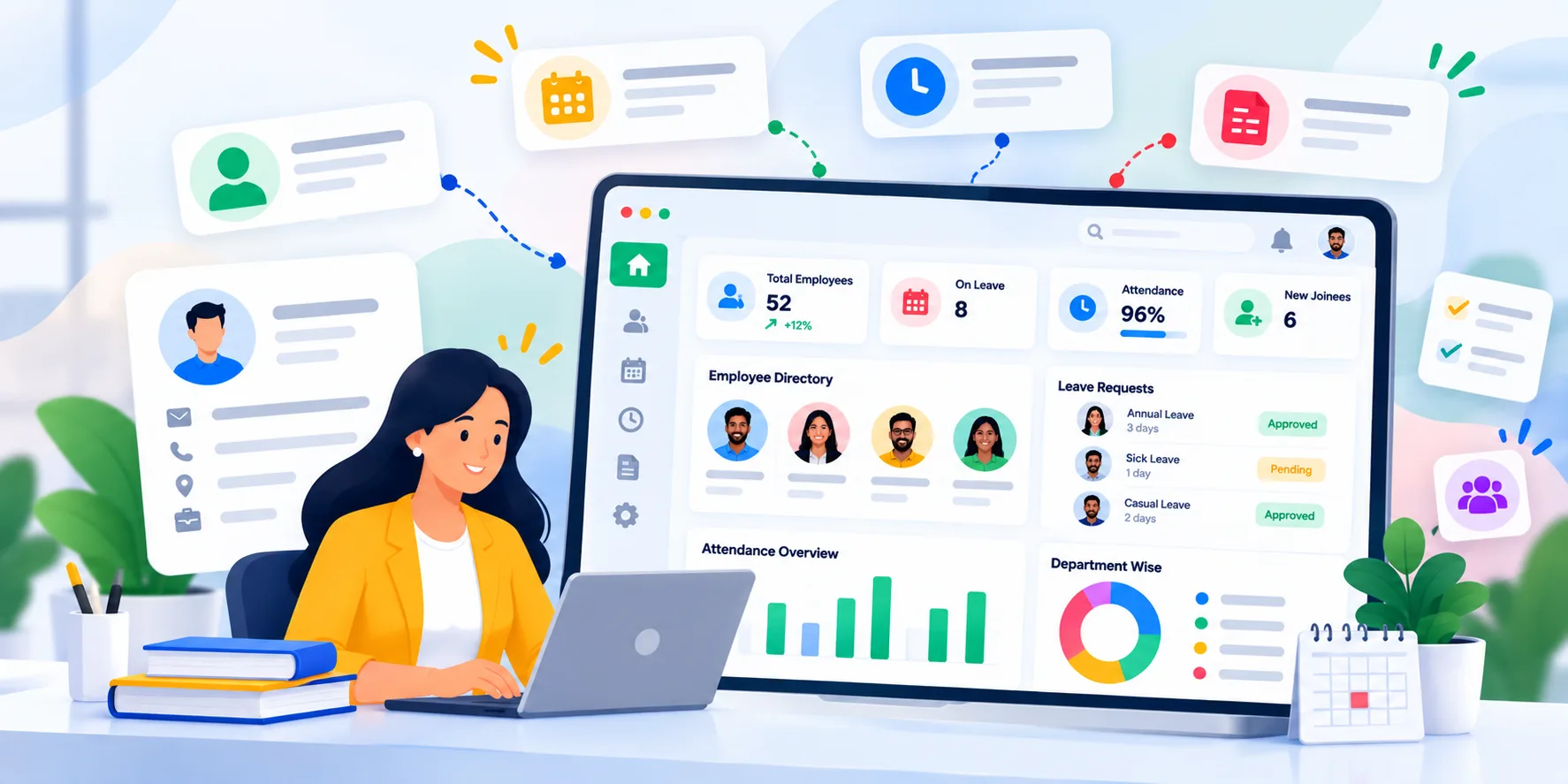
Discover how Zoho People helps businesses organise employee records, manage leave, streamline HR processes, and improve workforce administration.
Talk to our Zoho experts and get guidance tailored to your business goals. No obligation, just a conversation.
Talk to Our Zoho ExpertsWe use cookies to analyse site usage. See our Privacy Policy.