Deliver Better Support.
Build Stronger Customer Relationships.
Bring customer conversations into one help desk, automate repetitive support work, empower agents with context, and give customers faster, more consistent support.
What is Zoho Desk?
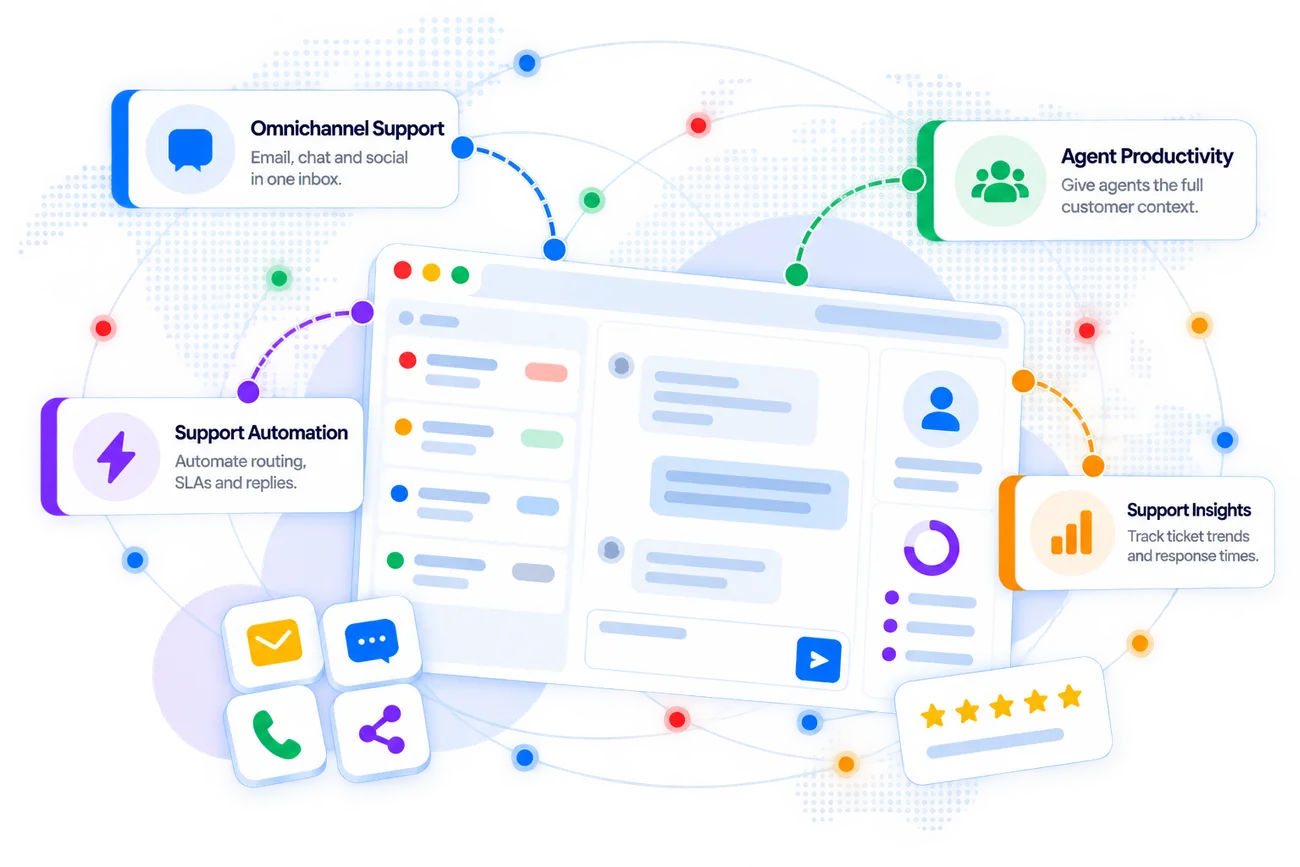
Zoho Desk is a customer service platform that helps businesses manage tickets and customer conversations across channels while automating support processes and providing agents with the context they need to resolve issues efficiently.
Bring customer interactions from channels such as email, chat, social media, telephony, and web forms into a unified support environment.
Organize, prioritize, assign, and track customer support tickets through structured workflows and departments.
Automate repetitive support tasks with workflows, assignment rules, SLAs, notifications, macros, and other productivity tools.
Monitor support performance, ticket trends, SLAs, agent activity, and customer service metrics through reports and dashboards.
Zoho Desk connects customer conversations, ticket management, automation, knowledge, SLAs, agent productivity, and support analytics into one customer service platform.
Build a Support Desk Around Your Business
Zovysys helps configure Zoho Desk around your support structure, customer journeys, escalation rules, service commitments, and team workflows.
We map how customer issues arrive, how tickets are categorized and assigned, how teams collaborate, and how escalations are handled.
- Support workflow review
- Department mapping
- Escalation and SLA analysis
We configure departments, ticket layouts, fields, roles, assignment rules, SLAs, business hours, portals, and other support settings.
- Help desk configuration
- Roles and permissions
- SLA and business-hour setup
We help automate ticket assignment, notifications, escalations, repetitive responses, and other support processes to reduce manual effort.
- Ticket assignment
- Workflow automation
- Escalation and notification rules
We connect relevant business applications, organize knowledge resources, configure customer-facing experiences, and help your support team adopt the system.
- Business integrations
- Knowledge base setup
- Agent training and support
From implementation and customization to automation and team enablement, Zovysys helps you create a support operation that is easier to manage and scale.
Make Every Support Interaction
More Organized
A well-configured help desk gives your support team better context, clearer ownership, consistent processes, and stronger visibility into customer service performance.
Centralized tickets, assignment rules, automation, and agent tools help teams manage customer requests more systematically.
Departments, assignment rules, priorities, and workflows help route customer issues to the right support teams.
SLA policies, escalation rules, and support workflows help teams manage service commitments more consistently.
- Consistent SLA Management
- Service Control
- Automated workflow
- Reduced manual effort
Reports and dashboards help teams understand ticket volumes, response patterns, agent performance, and customer service trends.
Create a support operation where every ticket has context, ownership, priority, and a defined path toward resolution.
Everything You Need to
Run Customer Support
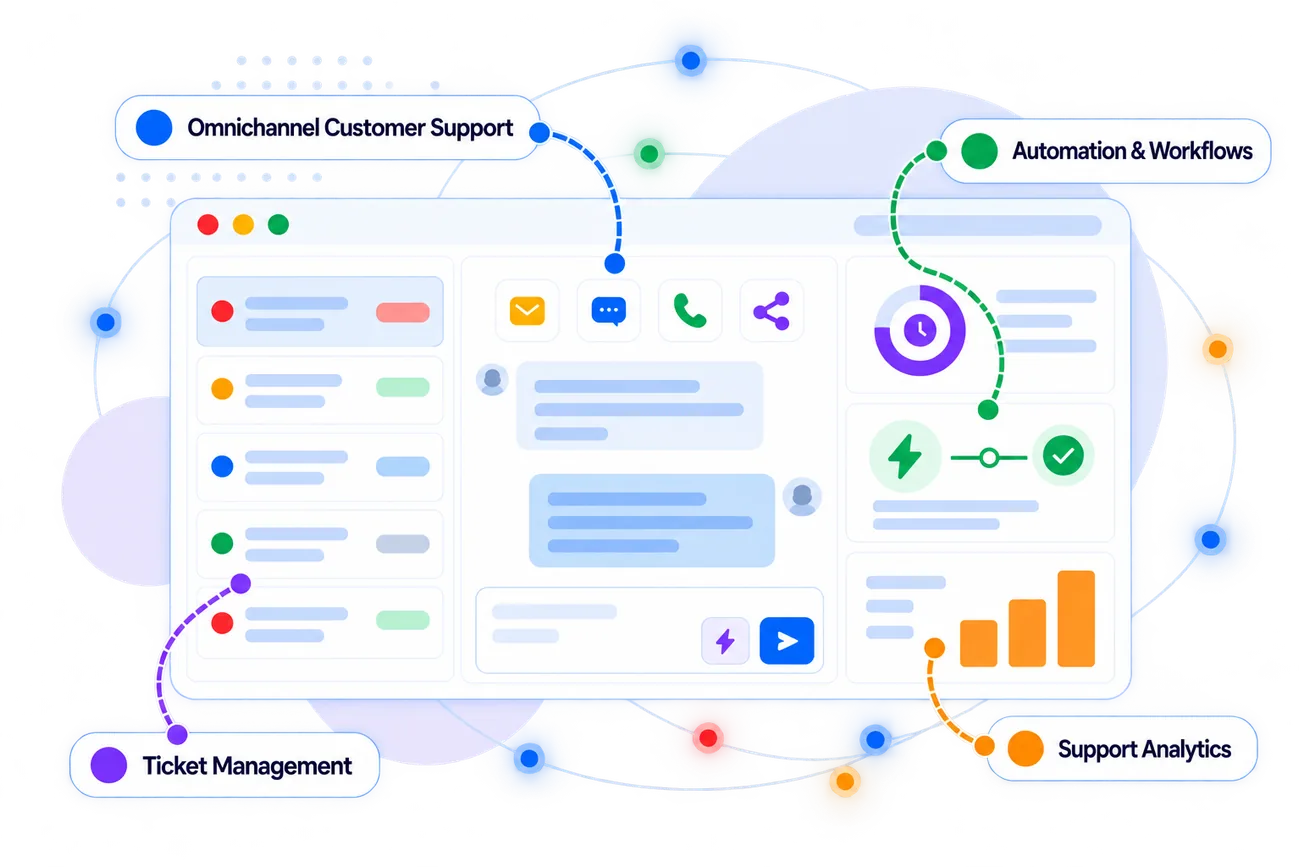
Zoho Desk brings ticket management, omnichannel support, automation, knowledge management, SLAs, analytics, and customer self-service together in one platform.
Manage customer interactions from supported channels such as email, chat, social media, telephony, and web forms.
Organize, categorize, prioritize, assign, and track customer tickets across departments and support teams.
Automate repetitive support processes using workflows, assignment rules, macros, notifications, and other automation tools.
Configure service-level agreements, escalation rules, business hours, and response or resolution expectations.
Create and organize help articles so agents and customers can find useful information and resolve common questions.
Provide customers with a help center and portal experience where they can find information and interact with support.
Track ticket volumes, response and resolution trends, agent activity, SLAs, and other support performance indicators.
Connect Zoho Desk with CRM, communication, collaboration, productivity, and other business applications.
Capture customer requests, route tickets, collaborate internally, resolve issues, share knowledge, and measure support performance from one connected system.
Questions About Zoho Desk?
Common questions about Zoho Desk and how Zovysys can help you implement it for your customer support operation.
We're Here to Help
Talk to our Zoho specialists about ticket management, automation, SLAs, knowledge bases, integrations, customer portals, or implementation.
Understand how Zoho Desk can fit your existing customer support process.
Get help configuring departments, tickets, SLAs, workflows, portals, and support settings.
Connect Zoho Desk with CRM and other applications used across your business.
Zoho Desk is a customer service and help desk platform that helps businesses manage customer tickets and conversations, automate support processes, maintain knowledge resources, manage SLAs, and analyze customer service performance.
Yes. Zoho Desk supports omnichannel customer service, allowing organizations to bring supported customer interactions into a centralized support environment.
Yes. Zoho Desk provides automation capabilities such as assignment rules, workflows, notifications, SLAs, and escalation processes to help reduce repetitive support work.
Yes. Zoho Desk includes knowledge management capabilities that businesses can use to create help articles and make useful information available to agents and customers.
Yes. Zoho Desk provides customer-facing self-service capabilities through its help center and customer portal experience.
Yes. Zoho Desk can integrate with Zoho CRM and other applications, helping support teams access relevant customer information and connect support workflows with other business processes.
Zovysys can help assess your support workflow, configure departments and ticket structures, set up SLAs and automation, build knowledge resources, connect relevant applications, and train your support team.
Ready to Get More from
Zoho Desk?
Create a more organized customer support operation with Zoho Desk and implementation support from Zovysys.