Connect Your Tools
Unify Your Business
We connect Zoho applications with your existing business systems so information can move between tools with less manual effort. From CRM and accounting integrations to custom API connections, we design integrations around your workflows and data requirements.
- Connected Applications
- Consistent Data Flow
- Integrated Workflows
What Is Zoho Integration?
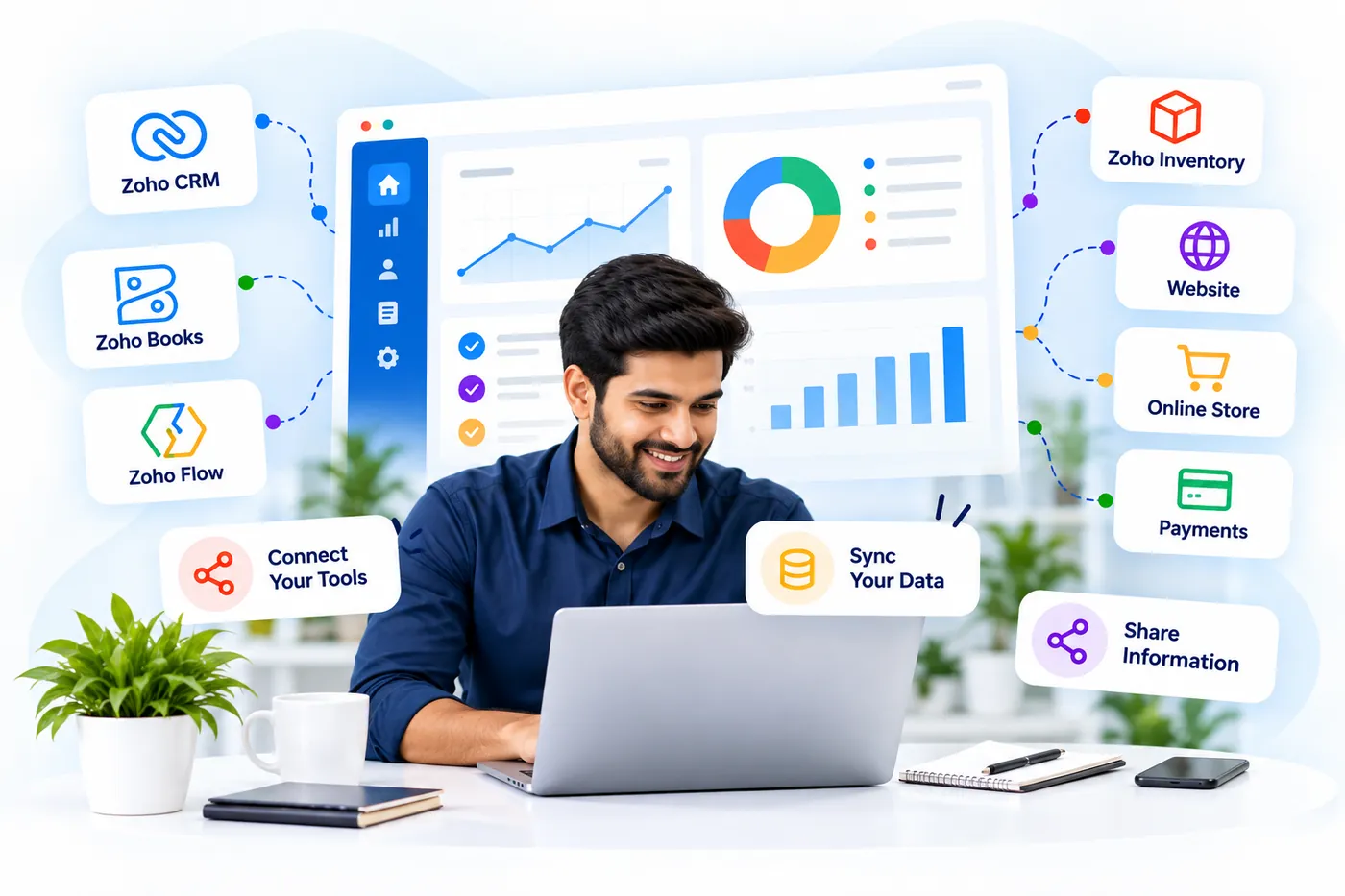
Zoho integration connects Zoho applications with other software, databases, websites, and business tools so they can exchange information and coordinate actions. Depending on the systems involved, integrations may use native connectors, Zoho Flow, APIs, webhooks, or custom development.
At Zovysys, we assess how your systems currently exchange information, identify gaps, and design connections around your business requirements. We then configure and test the integration, considering data mapping, permissions, error handling, and the capabilities of each system.
Connect Zoho apps with relevant business tools using suitable integration methods.
Map records and define how information moves between connected systems.
Coordinate actions across applications when defined conditions are met.
Develop tailored connections when standard integration options are insufficient.

Why Disconnected Systems
Create Business Problems
When business applications operate in isolation, teams may need to duplicate data, switch between tools, and reconcile conflicting records. Well-planned integrations help connect the systems behind everyday business operations.
Data Silos
Important customer, sales, finance, or operational information remains separated across applications, making it harder to maintain a consistent view.
Duplicate Data Entry
Employees manually copy information between systems, creating extra work and opportunities for inconsistent or incomplete records.
Broken Process Handoffs
Teams rely on manual updates and notifications when one application's activity needs to trigger work in another system.
Unreliable Data Sync
Poor field mapping, failed requests, or unclear update rules can leave connected applications with conflicting information.
End-to-End Zoho Integration Solutions
We plan, build, and validate connections between Zoho and your business systems, selecting integration methods according to application capabilities, data requirements, and workflow complexity.
Integration Assessment
Review existing applications, available connection methods, data dependencies, and business requirements.
Zoho App Integration
Connect relevant Zoho applications so information and activities can move between supported services.
Data Mapping and Sync
Define field mappings, record matching rules, update behavior, and synchronization requirements.
API and Custom Integration
Build tailored connections using available APIs, webhooks, and custom logic where needed.
Workflow Coordination
Connect business events and actions across applications to support end-to-end processes.
Testing and Error Handling
Validate data exchange, check failure scenarios, and establish appropriate error handling and monitoring.
From Separate Systems
to Connected Workflows
A clear integration process helps define how systems should communicate, how records should be handled, and what happens when a connection fails.
Assess Your Systems
Understand the applications involved, how teams use them, and where information needs to move between systems.
- Identify connected applications
- Review current data flows
- Document business requirements
Map Data and Rules
Define which records should move, how fields correspond, and which system controls each type of information.
- Map fields and records
- Define sync direction
- Identify duplicate handling rules
Design the Connection
Select suitable native connectors, Zoho Flow, APIs, webhooks, or custom integration methods for the requirements.
- Select integration methods
- Define triggers and actions
- Review access requirements
Build and Configure
Implement the agreed connections, configure authentication and mappings, and account for relevant errors and exceptions.
- Configure secure access
- Implement data mappings
- Set up error handling
Test and Validate
Check that information reaches the correct destination, updates behave as expected, and failures can be identified and addressed.
- Test data exchange
- Verify update behavior
- Review failures and logs
Integrations Built With Care
Every integration should have a clear purpose, defined data rules, and a plan for handling errors. We shape the approach around your systems and their technical capabilities.
- Requirements-led design
- Validated data exchange
- Error-aware workflows
Make Your Business Systems Work Together
Connecting applications can help teams access relevant information, reduce repetitive data handling, and coordinate processes across departments. Results depend on integration capabilities, data quality, and how the connected workflows are designed.
Consistent Information
Define how records are shared and updated to support more consistent information across connected systems.
Less Manual Entry
Reduce the need to repeatedly copy information between applications where automated transfer is supported.
Connected Processes
Coordinate actions across systems when a business event needs to trigger another workflow.
Better Business Visibility
Make relevant information available for reporting and analysis across connected applications.
Defined Data Rules
Use clear mapping, update logic, and validation checks to help manage data consistency.
Flexible System Design
Connect suitable existing tools without automatically replacing the systems your teams already use.

Shared Information
Build a More Connected Business
A well-designed integration gives your applications defined ways to exchange information and coordinate actions, with clear rules for data ownership and exceptions.
- Less repeated data entry
- Defined data mapping and ownership
- Clearer cross-system workflows
- Better visibility into integration errors
Questions About Zoho Integration?
Find answers about Zoho integration methods, supported applications, data synchronization, custom APIs, project costs, and integration testing.
We're Here to Help
Have two systems that need to share information? Tell us which applications you use and what data or actions need to move between them.
Get advice from experienced Zoho experts
Real solutions for real business scenarios
We're with you beyond implementation
Zoho integration can include connecting applications, mapping fields, synchronizing records, coordinating workflows, configuring APIs or webhooks, and testing data exchange. The exact scope depends on the systems involved, integration requirements, and available connection methods.
Yes, Zoho can connect with many external applications through native connectors, integration platforms, APIs, or custom development. Feasibility depends on the external system's supported capabilities, authentication options, permissions, and the data or actions required.
Zoho Flow provides a visual way to connect supported applications using triggers and actions. API integration offers more direct control over requests, data handling, and custom logic. The suitable method depends on connector availability and workflow complexity.
Yes, when the applications support the required data access and update operations. The integration needs clearly defined field mappings, record matching, synchronization direction, and conflict-handling rules to help maintain consistent information.
The cost depends on the number of systems, API capabilities, data complexity, custom development, authentication requirements, and error handling. Reviewing the systems and expected data flow helps establish a suitable scope and project estimate.
Error handling can include logging failed requests, identifying rejected records, applying appropriate retries, and notifying responsible users. The exact approach depends on the integration method, application limits, error types, and the importance of the connected process.
Ready to Connect
Your Business Systems?
Let's connect Zoho with the tools your team already uses. We’ll help define the required data flows, choose suitable integration methods, and plan a solution around your business processes.
- Integrations tailored to your systems
- Clear data mapping and rules
- Testing and error handling

- Connected ApplicationsLink relevant tools and business systems
- Consistent Data FlowDefine how records move and update
- Integrated WorkflowsCoordinate actions across connected systems
- Reliable Error HandlingIdentify failures and manage exceptions