Automate Workflows
Simplify Your Business
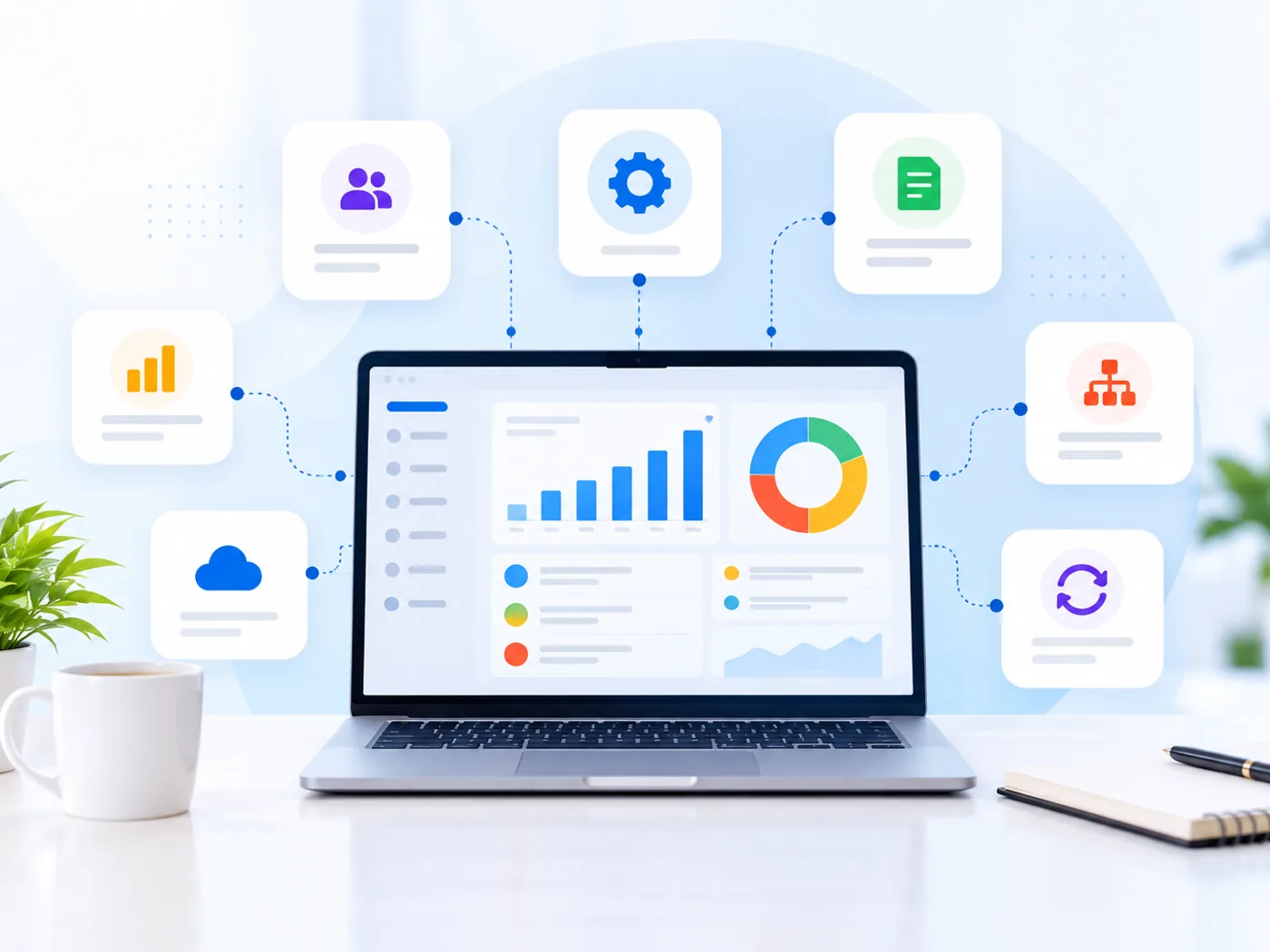
We help you automate repetitive business tasks and connect workflows across your organization using Zoho applications. From follow-up reminders and approval rules to cross-application processes, we design automation around the way your business operates.
- Smarter Workflows
- Process Automation
- Connected Applications

What Is Business Automation?
Business automation uses software and defined rules to handle repetitive tasks and coordinate business processes with less manual intervention. Examples include assigning new leads, sending follow-up reminders, routing approvals, updating records across applications, and generating notifications when specific conditions are met.
At Zovysys, we first understand how your processes work and identify suitable opportunities for automation. We then design, configure, and validate workflows using relevant Zoho applications and integrations, keeping exceptions and human decisions in mind.
Trigger actions automatically when defined business conditions are met.
Reduce repetitive data entry, notifications, and routine administrative work.
Coordinate information and actions between connected business applications.
Apply defined conditions, checks, and approval steps to business processes.
Where Manual Work
Slows Businesses Down
Repetitive tasks, disconnected applications, and inconsistent processes can create unnecessary work across departments. Identifying the right automation opportunities helps address these problems without adding complexity.
Repetitive Manual Tasks
Teams spend time copying information, updating records, and performing routine actions that may be handled through automation.
Missed Follow-Ups
Manual reminders and inconsistent follow-up processes can leave leads, customer requests, and pending tasks unattended.
Disconnected Systems
When applications do not share information effectively, employees may need to enter the same data in multiple places.
Inconsistent Processes
Approvals, handoffs, and business rules may be handled differently by different team members, making processes harder to track.
Practical Business Automation Solutions
We identify repetitive work, define the appropriate rules, and configure automation that supports your existing business systems and operational requirements.
Process Assessment
Review current workflows to identify repetitive activities, delays, manual handoffs, and suitable automation opportunities.
Workflow Configuration
Configure triggers, conditions, scheduled actions, and business rules for relevant processes.
Automated Follow-Ups
Set up reminders, notifications, and follow-up actions for leads, customers, tasks, and pending activities.
Approval Automation
Define approval routes, conditions, and notifications for expenses, requests, transactions, and other business activities.
Application Integration
Connect supported Zoho applications and external tools so relevant information can trigger actions across systems.
Testing and Optimization
Test automation scenarios, review exceptions, and refine rules to keep workflows aligned with business requirements.
From Manual Tasks
to Automated Workflows
A structured approach helps ensure automation solves the right problem, works with existing systems, and handles exceptions appropriately.
Discover Processes
Understand how tasks move between people, departments, and applications before deciding what to automate.
- Map current workflows
- Identify repetitive activities
- Understand process exceptions
Prioritize Opportunities
Evaluate where automation may reduce manual effort, improve consistency, or make important activities easier to track.
- Identify suitable tasks
- Review business dependencies
- Define expected behavior
Design Automation Rules
Define triggers, conditions, actions, approval paths, and the situations that require human review.
- Define triggers and conditions
- Map actions and approvals
- Plan exception handling
Configure and Connect
Build the agreed workflows in relevant Zoho applications and configure required connections with other systems.
- Configure workflow rules
- Connect relevant applications
- Check permissions and access
Test and Refine
Validate expected actions, check edge cases, and refine the workflow before it becomes part of daily operations.
- Test normal scenarios
- Review failures and exceptions
- Confirm expected outcomes
Automation With Purpose
Not every task needs automation. We focus on processes where defined rules and reliable integrations can support your team without introducing unnecessary complexity.
- Process-first approach
- Tested workflow rules
- Human oversight where needed
Make Everyday Work More Efficient
Well-designed automation can reduce repetitive effort, make processes more consistent, and improve visibility into routine business activities. The outcome depends on process quality, configuration, and how the workflows are used.
Less Repetitive Work
Automate suitable routine actions so employees can focus more on work requiring attention and judgment.
Consistent Processes
Apply defined rules and conditions to routine tasks instead of relying entirely on manual steps.
Timely Notifications
Notify relevant people when leads, approvals, tasks, or other activities need attention.
Connected Workflows
Coordinate actions across supported applications to reduce unnecessary switching and duplicate entry.
Improved Visibility
Track workflow status and important activities through relevant records, reports, and dashboards.
Clearer Responsibilities
Route tasks and approvals to the appropriate people using defined assignment rules.

Business Tasks
Let Your Team Focus on What Matters
A thoughtful automation setup gives routine processes clearer rules, defined actions, and appropriate visibility while keeping people involved where judgment is needed.
- Fewer unnecessary manual steps
- Consistent rules for routine tasks
- Clearer workflow status and ownership
- Human review for important exceptions
Questions About Business Automation?
Explore common questions about business automation, workflow rules, Zoho applications, integrations, testing, and maintaining automated processes.
We're Here to Help
Not sure which tasks to automate? Share a repetitive process your team handles today, and we can discuss whether automation is a suitable fit.
Get advice from experienced Zoho experts
Real solutions for real business scenarios
We're with you beyond implementation
Business process automation uses software and defined rules to handle repetitive tasks and coordinate workflows with less manual intervention. Examples include lead assignment, reminders, approval routing, record updates, and notifications triggered by specific conditions.
Suitable processes may include lead routing, follow-up reminders, approval requests, recurring finance activities, support ticket assignment, notifications, and data synchronization. The best candidates are repetitive, rules-based tasks with clear inputs, expected actions, and manageable exceptions.
Yes, workflows can connect supported Zoho applications and third-party tools using available integrations, APIs, or automation platforms. Feasibility depends on each application's capabilities, permissions, data structure, and the complexity of the workflow.
Not necessarily. Many automation projects work with the applications a business already uses. The approach depends on whether those systems support the required triggers, actions, APIs, and integrations, or whether changes to the existing setup are needed.
The cost depends on the number and complexity of workflows, the applications involved, integration requirements, custom logic, and testing needs. The scope can be estimated after reviewing your current processes and identifying the automation requirements.
Workflows should be tested against expected scenarios, incorrect inputs, permission boundaries, and relevant exceptions. Monitoring, error handling, and periodic reviews may also be needed, depending on the workflow and the business process it supports.
Ready to Automate
Your Business Workflows?
Let’s identify the repetitive tasks slowing your team down and explore where Zoho automation can help. We’ll shape the approach around your existing systems, processes, and business requirements.
- Automation tailored to your processes
- Relevant Zoho and app integrations
- Testing and workflow validation

- Reduce Manual TasksAutomate suitable repetitive activities
- Consistent WorkflowsApply defined rules and conditions
- Connected SystemsCoordinate supported business applications
- Tested AutomationValidate actions and important exceptions