See the Problem.
Guide the Solution.
Use augmented reality-powered remote assistance to see what your customers and field teams see, guide them in real time, and resolve technical issues without being physically present.
What is Zoho Lens?
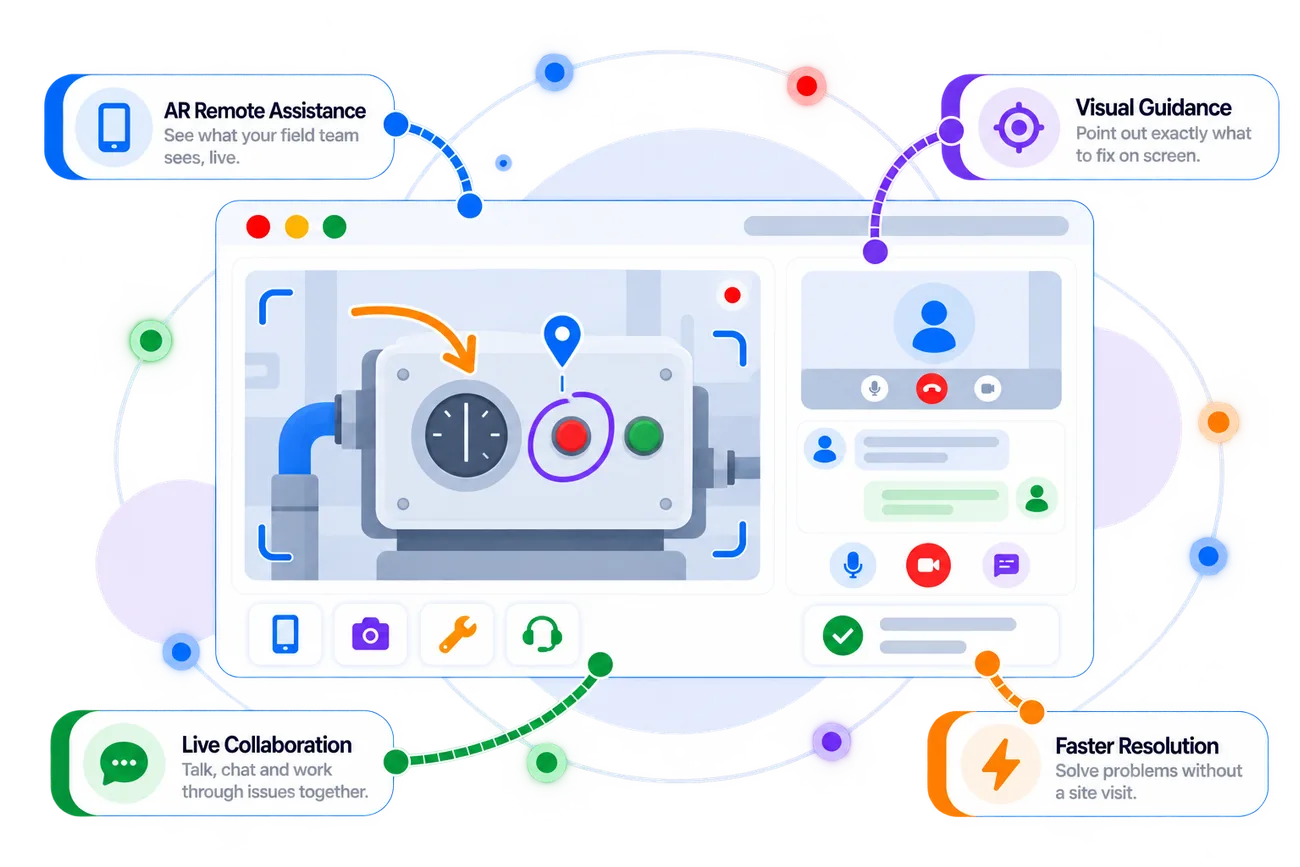
Zoho Lens is an augmented reality-powered remote assistance solution that lets experts visually collaborate with customers and field technicians, inspect situations through live video, and provide real-time guidance.
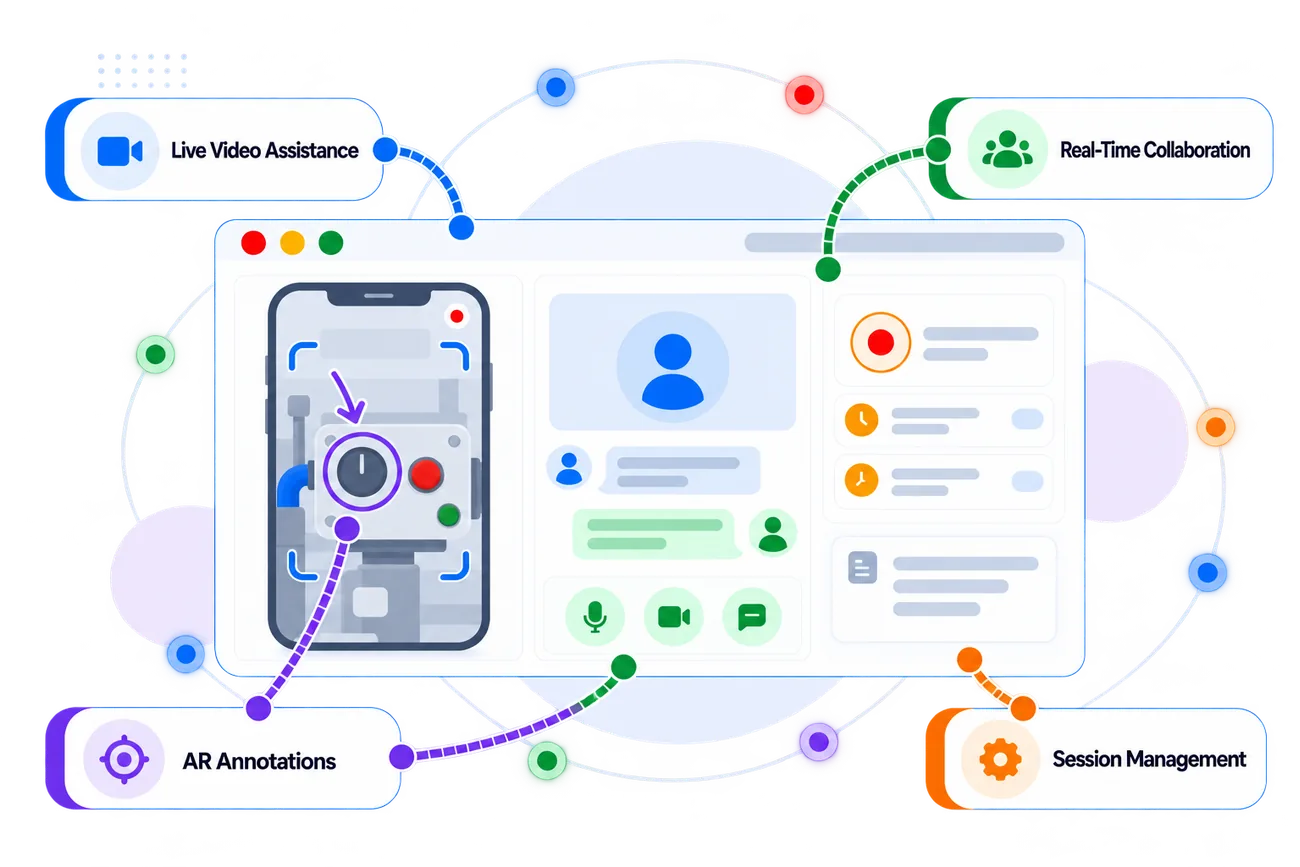
See a customer's or field technician's environment through a live camera feed and provide guidance remotely.
Use augmented reality annotations, pointers, drawings, and visual guidance to show users exactly where and what to work on.
Communicate with remote users through voice, chat, and collaborative session tools while troubleshooting an issue.
Manage remote assistance sessions and use recordings, notes, and session information to support follow-up and documentation.
Zoho Lens combines live video, augmented reality guidance, communication, and remote collaboration so experts can help users solve physical-world problems from anywhere.
Bring Remote Expertise To the Field
Zovysys helps configure Zoho Lens around your field-service, technical-support, inspection, installation, and remote-assistance workflows.
We understand how your technicians and customers currently handle physical-world issues, escalations, inspections, installations, and remote troubleshooting.
- Field workflow review
- Use-case mapping
- Remote assistance requirements
We help configure your remote assistance environment, session settings, users, access, and operational workflows around your support requirements.
- Organization setup
- User and access configuration
- Session workflow setup
We help your experts use live video and AR tools to guide customers and technicians through troubleshooting, installation, inspection, and maintenance tasks.
- AR guidance workflows
- Remote troubleshooting
- Field collaboration
We help teams adopt remote assistance practices, document sessions, and connect Lens with the wider support operation where appropriate.
- Expert onboarding
- Team training
- Workflow and integration support
Zovysys helps you turn remote visual assistance into a repeatable support process for field teams, technicians, installers, and customers.
Turn Remote Support Into
Visual Collaboration
A well-designed Lens workflow helps experts understand physical problems remotely, guide users precisely, and reduce unnecessary travel or repeated troubleshooting.
Live video gives remote experts visual context that can be difficult to capture through phone calls or text descriptions alone.
Annotations, pointers, and visual markers help experts show customers and technicians where to look and what actions to take.
Remote visual assistance can help teams troubleshoot, inspect, and guide field work without requiring an expert to be physically present for every issue.
Real-time communication and collaborative session tools help specialists support technicians and customers from wherever they are.
Create a remote assistance process that combines what users see in the real world with the expertise needed to diagnose and resolve the problem.
Everything You Need to
Assist From Anywhere
Zoho Lens combines live video, augmented reality, communication, remote collaboration, and session tools for field and technical support teams.
View the remote user's surroundings through a live camera feed and collaborate with them in real time.
Use pointers, drawings, shapes, and other visual annotations to guide users through physical tasks.
Communicate with customers and field technicians through real-time voice and chat during assistance sessions.
Inspect equipment, installations, environments, and physical issues remotely with visual context from the field.
Manage assistance sessions with tools for collaboration, device interaction, and organized remote support.
Share relevant files and information during supported sessions to help experts and remote users work from the same context.
Record supported remote assistance sessions for documentation, training, review, and follow-up.
Bring additional experts into remote assistance workflows when a situation requires specialized knowledge or collaboration.
Let customers and field teams show the real problem while remote experts provide visual guidance, collaborate in real time, and help drive the issue toward resolution.
Questions About Zoho Lens?
Common questions about Zoho Lens and how Zovysys can help you implement it for remote visual assistance.
We're Here to Help
Talk to our Zoho specialists about AR assistance, field support, remote inspections, technician workflows, or implementation.
Understand how Zoho Lens can fit your field service and remote support process.
Get help setting up users, sessions, access, and remote assistance workflows.
Connect Lens with relevant support and business workflows where appropriate.
Zoho Lens is an augmented reality-powered remote assistance solution that allows experts to visually collaborate with customers and field technicians through live video, annotations, communication, and remote guidance.
Zoho Lens is designed for situations involving physical-world equipment, environments, and tasks. Its augmented reality capabilities allow remote experts to visually guide users in the real world rather than only interacting with a computer screen.
Yes. Lens provides live video-based remote assistance so an expert can view the remote user's environment and provide guidance during the session.
Yes. Lens is suited to field-service scenarios such as remote troubleshooting, inspections, installation guidance, maintenance assistance, and technical support.
Yes. Zoho Lens provides augmented reality annotation capabilities that allow experts to mark, point to, and visually guide users during remote assistance.
Zoho Lens supports collaborative remote assistance scenarios where additional expertise can be brought into a session when required, subject to the applicable product plan and configuration.
Zovysys can help map your field-support use cases, configure Lens, establish remote assistance workflows, train experts and technicians, and connect the solution with relevant support processes.
Ready to Get More from
Zoho Lens?
Bring remote experts closer to customers and field teams with Zoho Lens and implementation support from Zovysys.