Support From Anywhere.
Resolve Issues Faster.
Securely connect to remote devices, troubleshoot customer issues, manage unattended computers, transfer files, and give your support team the tools to resolve problems remotely.
What is Zoho Assist?
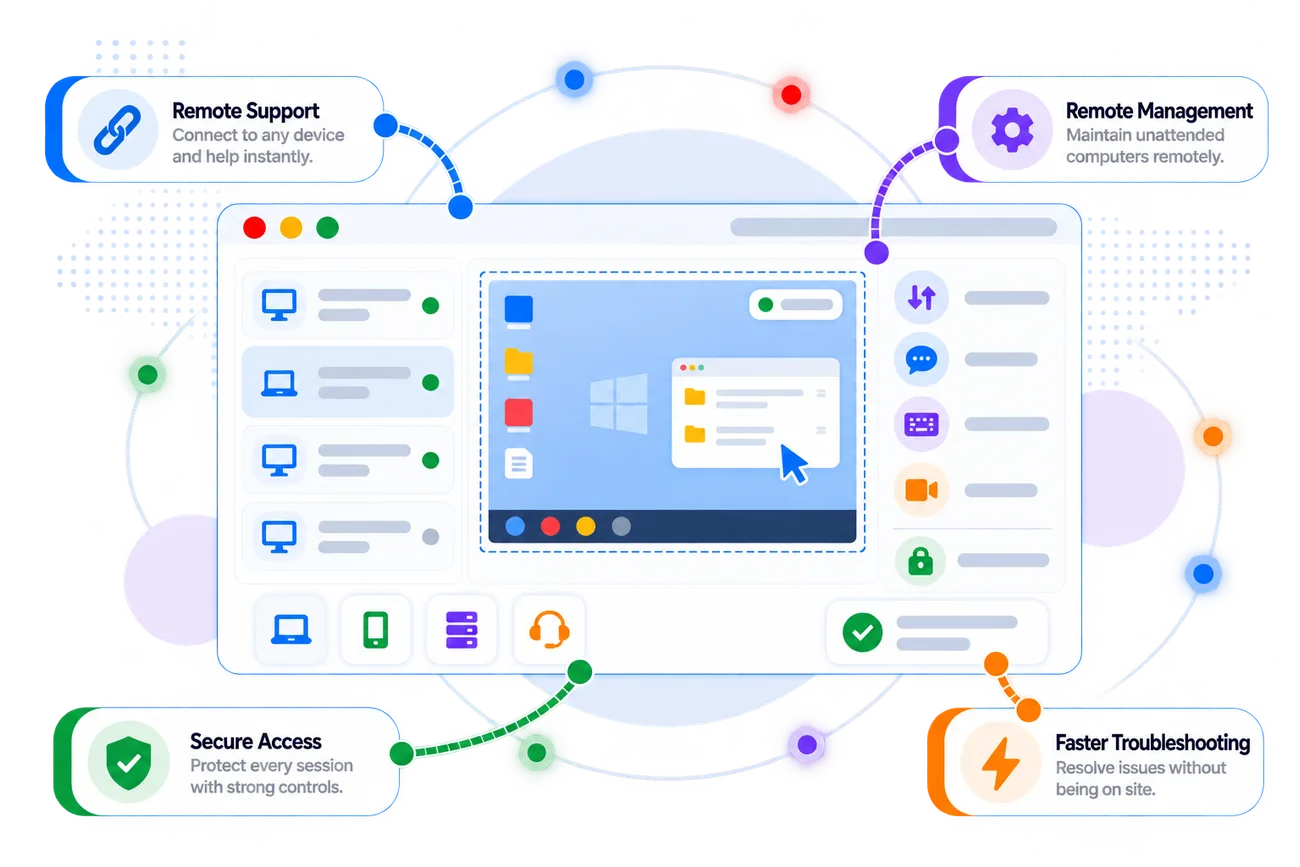
Zoho Assist is a remote support and remote access solution that helps technicians connect to customer devices, troubleshoot issues, manage unattended computers, collaborate during sessions, and handle remote maintenance.
Connect with customers remotely to view and control devices, troubleshoot problems, communicate, and guide users through resolutions.
Access configured remote devices without requiring someone to be present, supporting maintenance and troubleshooting whenever needed.
Use authentication, permissions, session controls, and additional security features to manage access to remote devices.
Use file transfer, diagnostics, chat, session tools, and other capabilities to resolve technical issues without being physically present.
Zoho Assist brings remote support, unattended access, device management, diagnostics, collaboration, and session records into one platform for technical teams.
Make Remote Support Work for Your Team
Zovysys helps configure Zoho Assist around your support operations, technician workflows, remote device requirements, security controls, and deployment model.
We map how your technicians support customers, which devices need access, how sessions are initiated, and how remote issues are documented.
- Support workflow review
- Device and OS mapping
- Remote access requirements
We help configure remote support settings, unattended devices, technician roles, departments, permissions, and session preferences around your organization.
- Unattended access setup
- Technician configuration
- Roles and permissions
We help establish appropriate authentication, access controls, session practices, device organization, and security settings for your remote support environment.
- Access control setup
- Security configuration
- Device organization
We help technicians adopt remote support workflows, use troubleshooting tools effectively, and integrate Assist into the wider support operation.
- Technician onboarding
- Troubleshooting workflow
- Integration and support
From initial setup and device deployment to technician enablement and workflow optimization, Zovysys helps your team get more value from Zoho Assist.
Solve Technical Problems
Without Being There
A well-configured remote support environment helps technicians respond efficiently, manage distributed devices, and maintain consistent support processes.
Technicians can connect to customer devices and work through technical problems without requiring an on-site visit.
Configured unattended devices can be accessed remotely for maintenance and troubleshooting even when an end user is not present.
Device groups, technician roles, permissions, deployment options, and session controls help teams manage remote support systematically.
- Structured Remote Operations
- Control
- Automated workflow
- Reduced manual effort
Session notes, recordings, transcripts, reports, and session information can help teams review remote support activity and improve processes.
Create a remote support workflow where technicians can connect, troubleshoot, collaborate, document, and follow up without relying on physical access to customer devices.
Everything You Need to
Support Devices Remotely
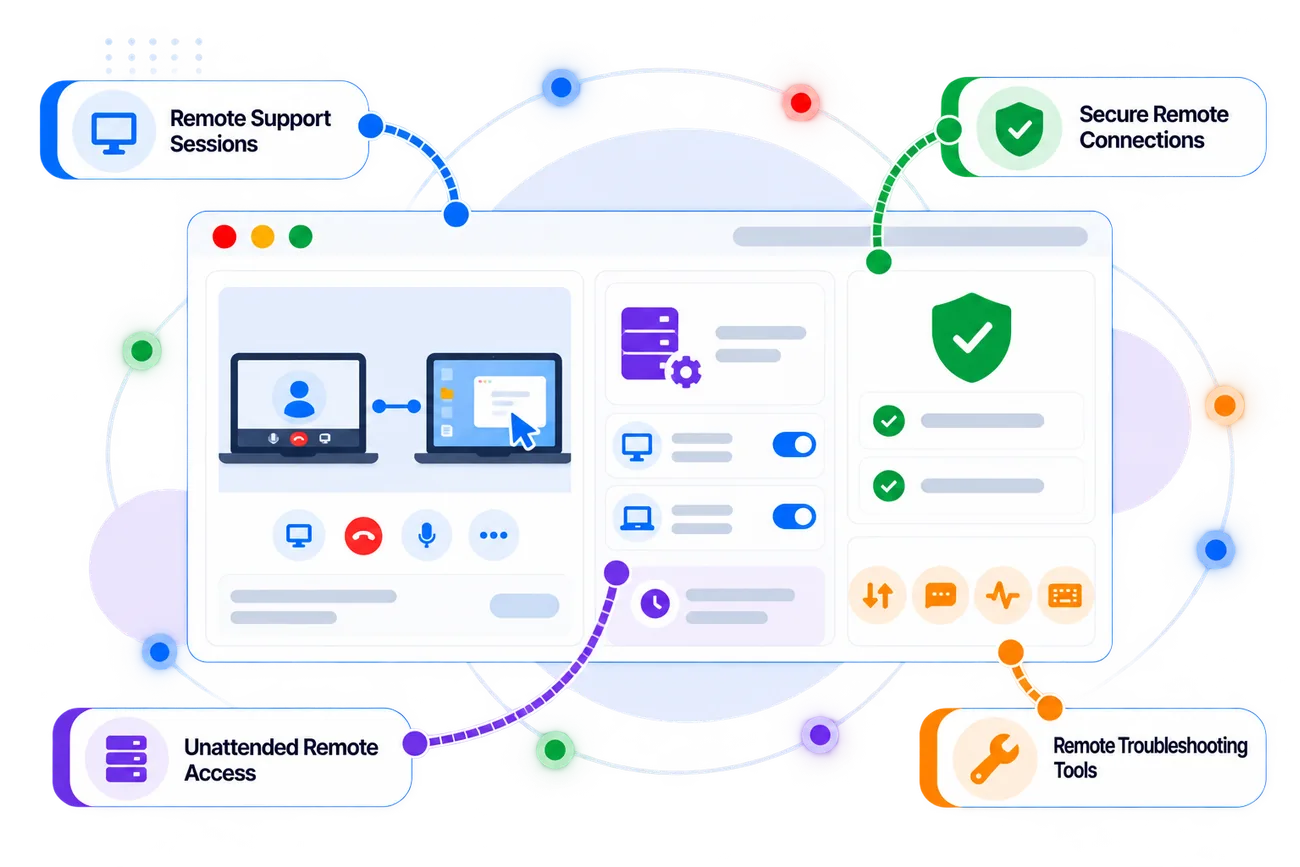
Zoho Assist combines remote support, unattended access, file transfer, diagnostics, collaboration, device management, and session tools for technical teams.
Connect to customer devices for real-time remote troubleshooting, assistance, and issue resolution.
Configure devices for remote access and maintenance without requiring an end user to be present.
Add additional verification to unattended access workflows and control who can connect to remote devices.
Use in-session and unattended diagnostic tools to inspect remote systems and troubleshoot technical issues.
Transfer and manage files between technician and remote devices during supported remote sessions.
Communicate with customers during remote sessions and use collaboration tools such as annotations and session communication.
Deploy unattended access agents individually or across multiple devices using supported bulk deployment methods.
Maintain session notes, recordings, transcripts, reports, and other information that helps teams review remote support activity.
Connect with customers, access managed devices, troubleshoot remotely, transfer files, document sessions, and manage your remote support environment from one system.
Questions About Zoho Assist?
Common questions about Zoho Assist and how Zovysys can help you implement it for your remote support operation.
We're Here to Help
Talk to our Zoho specialists about remote support, unattended access, device deployment, security, integrations, or technician workflows.
Understand how Zoho Assist can fit your existing remote support and IT workflows.
Get help configuring unattended access, technicians, devices, permissions, and session settings.
Connect Zoho Assist with relevant help desk, IT service, and business applications.
Zoho Assist is a remote support and remote access platform that enables technicians to connect to remote devices, troubleshoot issues, manage unattended computers, transfer files, communicate with customers, and maintain session records.
Unattended access allows technicians to connect to configured remote devices without requiring someone to be physically present at the remote device, supporting maintenance and troubleshooting tasks.
Yes. Zoho Assist provides remote file transfer capabilities for sending and receiving files during supported remote support and unattended access sessions.
Yes. Zoho Assist supports multiple unattended access deployment methods, including bulk deployment options for managing larger groups of devices.
Yes. Zoho Assist provides diagnostic capabilities that allow technicians to access system information and troubleshooting tools on supported remote operating systems.
Yes. Zoho Assist can be used by customer support and technical support teams to connect with customers remotely, troubleshoot issues, communicate during sessions, and document support activity.
Zovysys can help assess your remote support process, configure Assist, deploy unattended access, organize devices and technicians, establish appropriate access controls, connect relevant systems, and train your support team.
Ready to Get More from
Zoho Assist?
Give your support team the ability to troubleshoot, manage, and assist customers remotely with Zoho Assist and implementation support from Zovysys.