Zoho CRM8 min read
How Zoho CRM Streamlines Your Sales Process
Discover how Zoho CRM helps businesses organise leads, manage sales pipelines, automate follow-ups, and build a more consistent sales process.
Praba
Oct 17, 2026
Running a growing business involves more than finding customers and making sales. Business owners must also manage finances, coordinate employees, respond to customer enquiries, track projects, and understand how the company is performing. When these activities happen across disconnected tools and spreadsheets, it becomes harder to maintain visibility and keep everyone aligned.
Zoho One offers a way to bring many of these business activities together. Instead of managing separate applications without a clear connection between them, businesses can use an integrated suite of applications designed to support different departments and workflows.
Understanding how Zoho One works, which problems it can address, and how to implement it effectively can help business owners decide whether it is the right fit for their organisation.
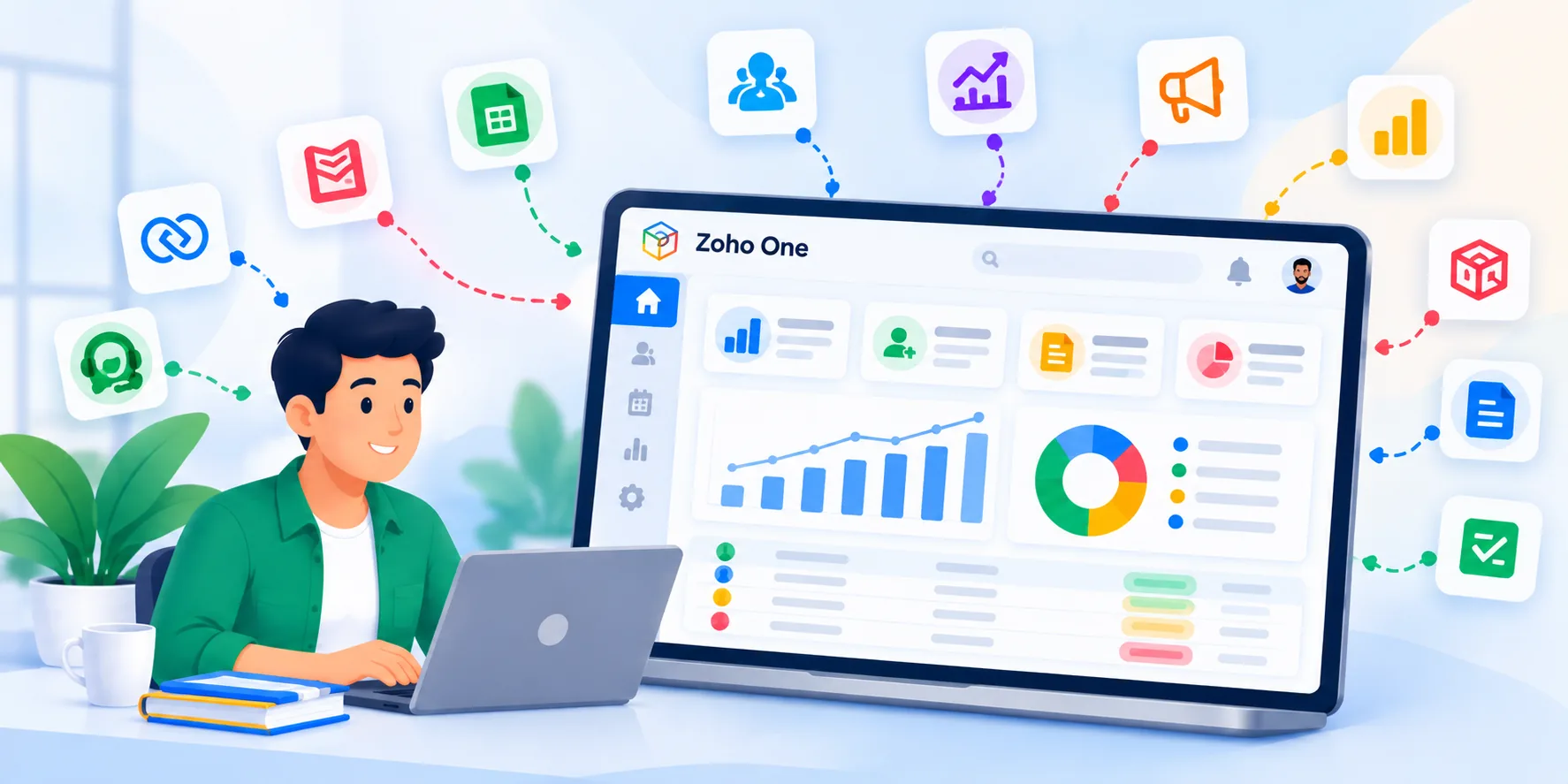
Zoho One is an integrated suite of business applications from Zoho. It includes applications for customer relationship management, accounting, human resources, marketing, customer support, collaboration, analytics, and other business functions.
Rather than purchasing and managing every business application independently, organisations can use Zoho One to access a broad range of tools within a connected business environment, subject to the selected subscription and applicable product entitlements.
For example, a growing service business might use Zoho CRM to manage sales opportunities, Zoho Books to manage accounting, Zoho Desk to handle customer support, and Zoho People to organise employee information. Zoho Analytics can help bring business data together for reporting and analysis.
These applications address different needs, but they can also work together through supported integrations and automation.
The main advantage is not simply having more software. It is creating a more organised way to manage information, coordinate activities, and make business decisions.
Businesses should evaluate the applications they actually need rather than assuming every available tool must be implemented from the beginning.
Many businesses initially manage their operations with spreadsheets, email, messaging applications, and separate software subscriptions. This approach can work when the team is small, but it may become difficult to maintain as the organisation grows.
Several common challenges indicate that it may be time to consider a more integrated approach.
These problems do not automatically mean a business needs Zoho One. The first step is to identify which processes are inefficient and determine whether existing applications can be improved or connected.
When several departments need business applications, integrations, and shared workflows, Zoho One may provide a practical foundation for improving operations.
The value of Zoho One becomes clearer when it is considered in terms of everyday business activities rather than individual software features.
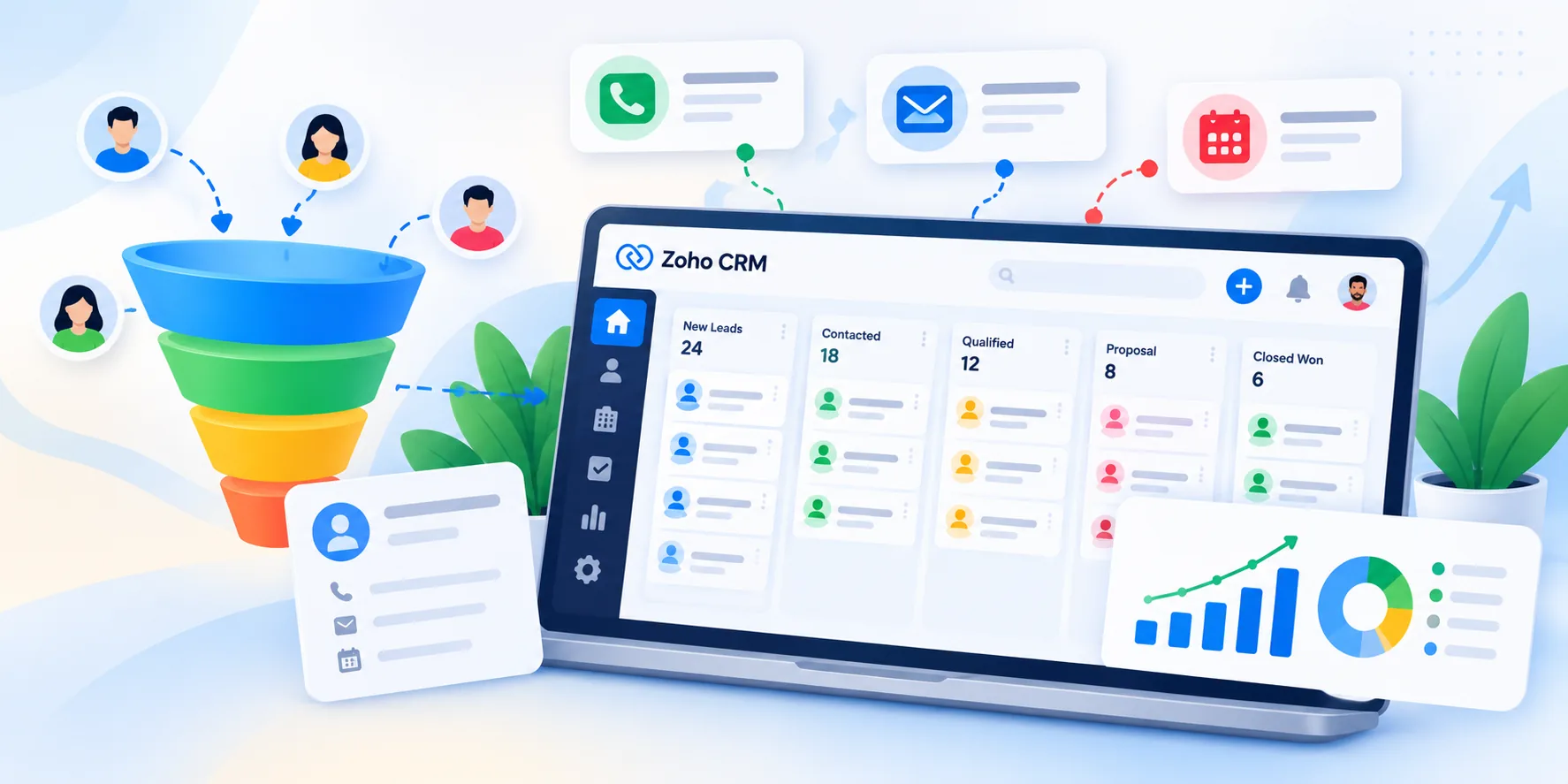
Zoho CRM helps businesses organise leads, maintain customer records, track sales opportunities, and manage follow-up activities.
A sales team can use a structured pipeline to understand which opportunities are active, which require attention, and where potential deals may be getting delayed. With appropriate integrations, relevant information can also be shared with other business applications.
Learn more about our Zoho CRM services.
Financial management becomes more organised when accounting activities follow consistent processes.
Zoho Books supports accounting workflows such as invoicing, expense tracking, payment management, and financial reporting. Connecting finance processes with other business activities can help reduce repeated data entry where supported integrations are available.
For example, a business can establish a process in which sales and finance teams coordinate customer information, invoicing, and payment follow-ups more effectively.
Explore our Zoho Books services.
Customer acquisition does not end when a lead enters the sales pipeline. Businesses also need to nurture prospects, communicate with existing customers, and resolve service requests.
Zoho Campaigns supports email marketing activities, while Zoho Desk helps teams organise customer support tickets and manage service requests.
When the right applications are connected, teams can create more consistent customer experiences and reduce the need to search through unrelated systems for information.
Business owners need reliable information to understand performance and identify areas requiring attention.
Zoho Analytics supports business intelligence and data analysis, helping organisations build reports and dashboards from available data sources.
Depending on the data sources and integrations configured, management can use reporting to examine sales performance, financial trends, customer service activity, and other operational indicators.
These insights can support better decisions, but their usefulness depends on accurate data, appropriate metrics, and regular review.
Choosing a business platform is only one part of digital transformation. A successful implementation also requires planning, process understanding, configuration, and employee adoption.
Starting with every application at once can create unnecessary complexity. A phased approach is often more manageable.
Identify your business challenges. Document the activities that consume the most time, create errors, or prevent teams from accessing the information they need.
Map your existing workflows. Understand how a lead becomes a customer, how an invoice is generated, how support requests are handled, and how management reviews performance.
Select the right applications. Identify which Zoho applications address the most important problems. Confirm the required features, subscription entitlements, and integration capabilities before making decisions.
Configure and connect the systems. Set up fields, user roles, workflows, approval processes, and integrations according to your business requirements. Avoid adding complexity without a clear operational benefit.
Migrate and validate your data. Review existing customer records, financial information, and other important data before migration. Test the results to identify duplicates, missing information, and inconsistencies.
Train employees and measure adoption. Help employees understand how the new workflows fit into their daily responsibilities. Review usage, process completion, data quality, and other relevant indicators after launch.
Businesses with specialised requirements may also need customisations, additional integrations, or applications built around their existing processes. These requirements should be evaluated before implementation begins.
Working with an experienced implementation partner can help businesses assess their requirements, plan the rollout, and configure the platform to suit their operations.
At Zovysys, our approach focuses on understanding business needs and identifying suitable Zoho solutions before implementation. Depending on the project, this may involve application configuration, workflow automation, customisation, or integration with existing systems.
You can explore our Zoho implementation and business solutions to understand how different applications can support your business requirements.
Zoho One can be a useful option for businesses looking to organise their operations and build more connected workflows. The right solution depends on your current processes, business goals, and integration requirements. If you are considering Zoho One for your organisation, schedule a consultation with our team to discuss your requirements and explore a suitable implementation approach.
Discover how Zoho CRM helps businesses organise leads, manage sales pipelines, automate follow-ups, and build a more consistent sales process.
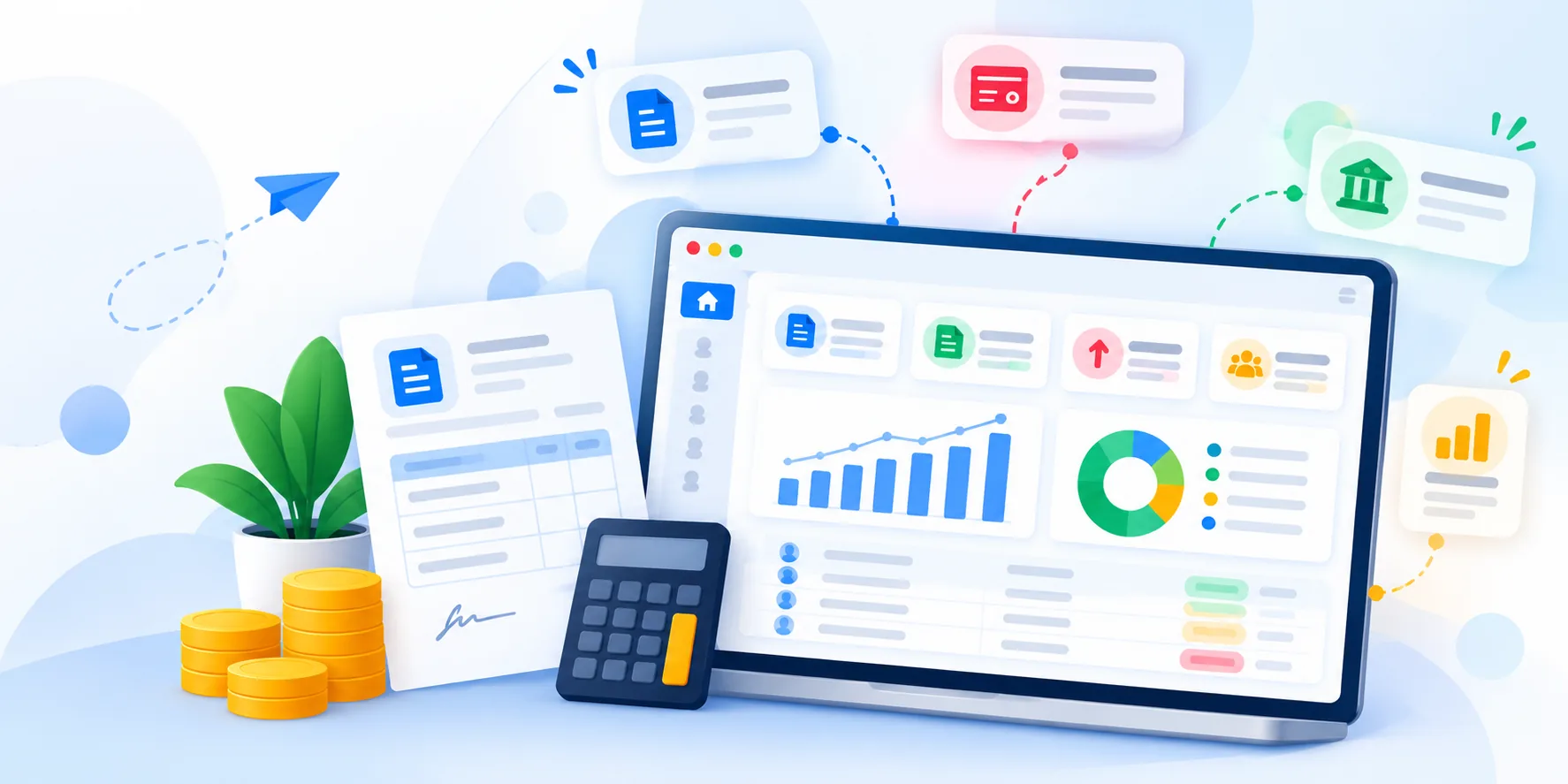
Learn how Zoho Books helps small businesses manage invoices, track expenses, monitor payments, and organise their financial operations.

Learn how Zoho Desk helps businesses organise support tickets, manage customer enquiries, automate routine tasks, and improve service workflows.
Talk to our Zoho experts and get guidance tailored to your business goals. No obligation, just a conversation.
Talk to Our Zoho ExpertsWe use cookies to analyse site usage. See our Privacy Policy.