Zoho One6 min read
Zoho One for Small Businesses: A Practical Guide
Discover how Zoho One helps small businesses connect sales, finance, marketing, and operations in one integrated business management platform.
Praba
Oct 18, 2026
Growing a business generates information across many activities. Sales teams track opportunities, finance teams record transactions, marketing teams monitor campaigns, and customer support teams manage service requests. Each department produces useful information, but understanding the bigger picture can be difficult when the data is spread across different systems.
Business owners often spend considerable time collecting spreadsheets, preparing reports, and comparing figures before making decisions. By the time the information is organised, an important opportunity or operational issue may already require attention.
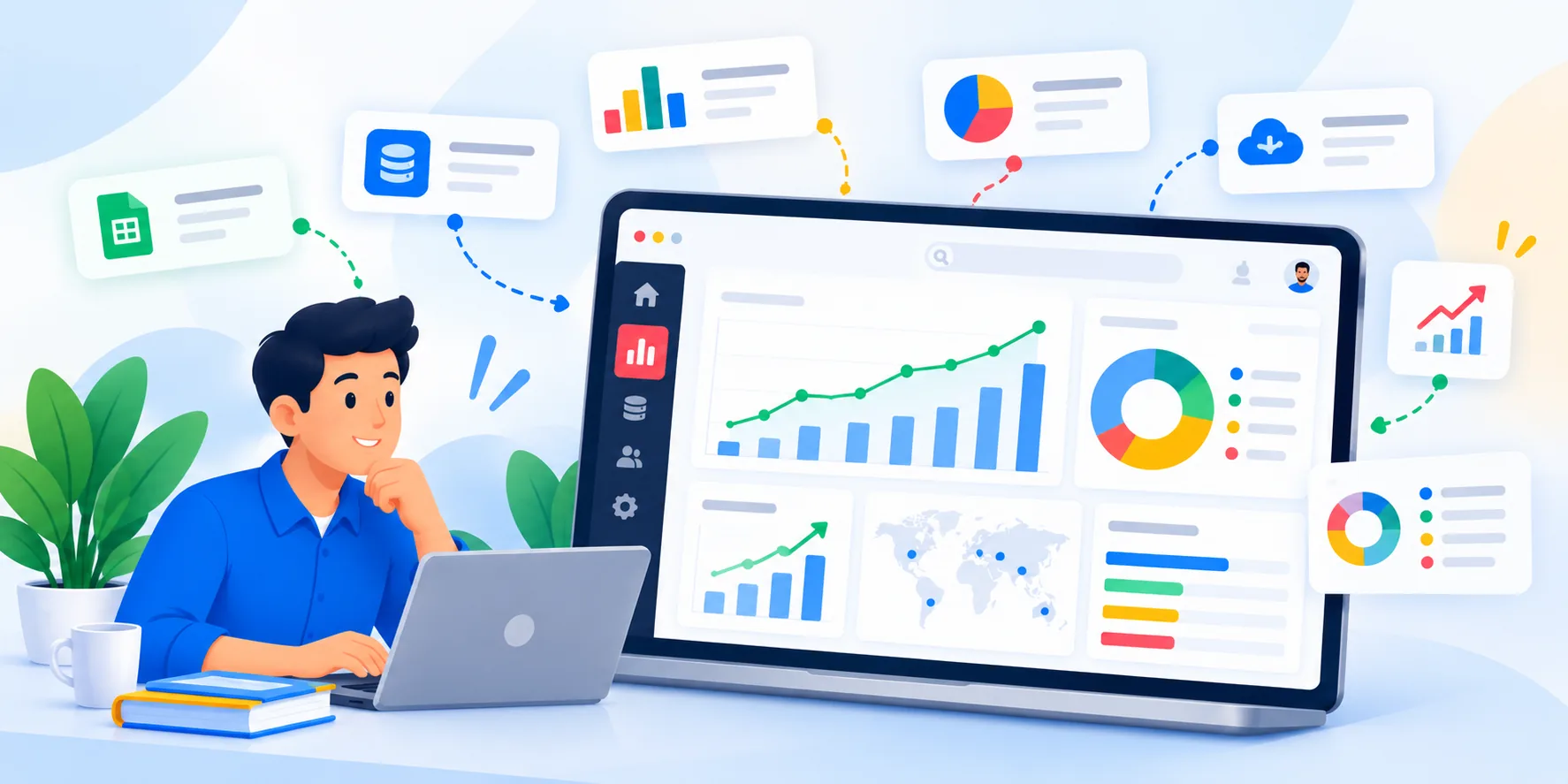
Zoho Analytics helps businesses analyse data, create visual reports, and build dashboards that make important information easier to understand. With suitable data sources and configuration, organisations can use it to identify patterns, monitor performance, and make better-informed decisions.
Many businesses collect plenty of information but struggle to turn it into useful insights. Having data available does not automatically mean that management can understand what is happening across the organisation.
Several common challenges make business reporting difficult.
These challenges can affect both small businesses and established organisations. The problem is often not a lack of data, but the absence of a consistent way to organise, analyse, and communicate it.
A business intelligence solution can help bring relevant information together and present it in a format that supports everyday decision-making.
Zoho Analytics is a business intelligence and data analytics platform that helps organisations analyse data and create reports and dashboards.
It supports data connections from various sources, data preparation, visualisation, and analytical reporting. Depending on the selected data sources, available integrations, and configuration, businesses can use it to examine information from different departments within a more unified reporting environment.
For example, a growing company might maintain customer information in Zoho CRM, financial records in Zoho Books, and support tickets in Zoho Desk. By connecting supported data sources and configuring suitable reports, the company can examine selected aspects of sales, financial performance, and customer service activity.
This can help management understand how different parts of the business are performing without relying entirely on separate departmental reports.
Zoho Analytics is not simply a chart-making tool. Its value comes from helping businesses ask meaningful questions about their data and present the answers in a clear, consistent format.
However, useful analysis depends on accurate source data, appropriate metrics, and a clear understanding of what the business needs to measure.
A dashboard brings important metrics and visualisations together so that users can review relevant information without opening numerous reports individually.
Zoho Analytics allows businesses to create dashboards using charts, tables, key performance indicators, and other supported visualisations.
The right dashboard depends on the responsibilities of the person using it.
For example, a business owner may need an overview of revenue trends, expenses, sales performance, and outstanding customer payments. A sales manager may focus on lead conversion, pipeline value, and performance by representative. A support manager may want to review ticket volumes, response times, and unresolved requests.
Rather than creating one dashboard containing every available metric, businesses should identify the questions each dashboard needs to answer.
A useful dashboard should make it easy to identify important changes, compare performance over time, and decide where further investigation is necessary.
For example, if sales activity increases but completed deals remain unchanged, management can investigate whether opportunities are getting stuck at a particular stage or whether lead quality needs attention.
Dashboards should support decisions rather than overwhelm users with unnecessary charts. Start with a small set of meaningful indicators and expand the reporting environment as the business's needs develop.
One of the biggest challenges in business reporting is understanding how different activities relate to one another.
Sales data alone may not explain overall business performance. Financial information, customer support activity, marketing results, and operational data can provide additional context.
Zoho Analytics supports connections to various data sources, including supported Zoho applications and other services. The available integration methods depend on the specific source, configuration, and subscription.
Consider a company that wants to understand the relationship between sales activity and customer payments. Sales information may show the value of deals won, while accounting information provides details about invoices and recorded payments.
By connecting and analysing the relevant data appropriately, the business can investigate the differences between completed sales, billed amounts, and collected payments.
Similarly, combining suitable marketing and CRM data can help teams examine lead sources alongside subsequent sales outcomes, provided the necessary information is available and the data can be matched reliably.
These connections require careful planning. Different applications may use different identifiers, date formats, field definitions, or update schedules.
Before building cross-department reports, businesses should confirm which data sources are supported, how records will be matched, how frequently information should refresh, and which users can access the results.
A well-designed data model helps prevent misleading comparisons and makes reports more reliable.
Analytics becomes valuable when it helps a business understand a problem, evaluate an opportunity, or decide what to do next.
Zoho Analytics can help organisations investigate business performance by examining trends, comparisons, and relationships within available data.
Useful questions include:
The answers depend on the quality and availability of the underlying information. Not every question can be answered from a single application, and some analyses require additional data preparation.
For example, a business that notices a decline in sales conversion can compare relevant lead sources, opportunity stages, and time periods to identify possible explanations.
The findings may suggest a need to improve lead qualification, review follow-up practices, or investigate changes in demand. Further analysis may be necessary before determining the actual cause.
Analytics should therefore be treated as a decision-support tool, not an automatic replacement for business judgement.
Businesses should define their metrics clearly, review reports regularly, and investigate unexpected results before taking action.
A successful analytics implementation begins with identifying the business decisions that need better information.
Starting with every available data source and creating dozens of dashboards can make the reporting environment unnecessarily complicated. A focused approach is usually easier to maintain.
A practical implementation can follow five steps.
Identify business questions. Decide what management needs to understand, such as sales performance, expense trends, customer activity, or operational efficiency.
Select the relevant data sources. Identify the applications and datasets that contain the information needed to answer those questions.
Prepare and validate the data. Review field definitions, missing values, duplicate records, and inconsistencies before using the data in reports.
Build focused reports and dashboards. Create visualisations that answer specific business questions and give each user access to the information relevant to their responsibilities.
Review accuracy and adoption. Validate report calculations, confirm that data refreshes as expected, and gather feedback from the people who use the dashboards.
Businesses may also need to configure integrations, establish access permissions, and define how reporting data should be maintained over time.
For organisations with multiple applications or complex reporting requirements, an implementation partner can help evaluate the data sources, plan the reporting structure, configure connections, and develop dashboards aligned with business objectives.
At Zovysys, we help businesses assess their operational requirements and implement suitable Zoho solutions. The objective is to make business information more useful by connecting relevant workflows and establishing reporting processes that support better decisions.
Explore our Zoho Analytics services to learn how analytics and reporting can support your organisation.
Your business already generates information that can support better decisions. The opportunity is to organise that information into clear, reliable insights that help you understand performance and identify where improvement is needed. If you are considering Zoho Analytics for your organisation, schedule a consultation with our team to discuss your reporting requirements and explore an implementation approach suited to your business.
Discover how Zoho One helps small businesses connect sales, finance, marketing, and operations in one integrated business management platform.
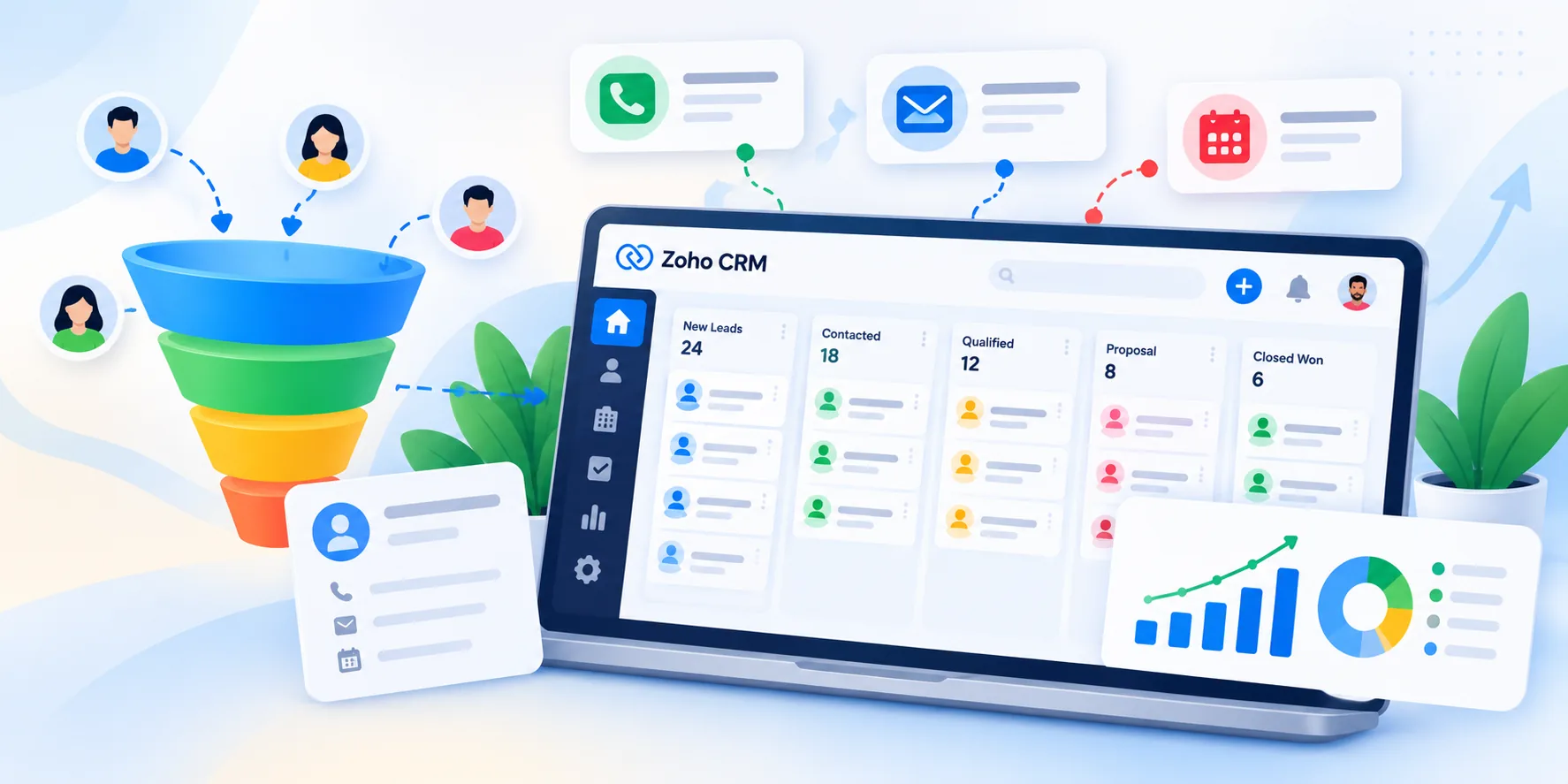
Discover how Zoho CRM helps businesses organise leads, manage sales pipelines, automate follow-ups, and build a more consistent sales process.
Learn how Zoho Books helps small businesses manage invoices, track expenses, monitor payments, and organise their financial operations.
Talk to our Zoho experts and get guidance tailored to your business goals. No obligation, just a conversation.
Talk to Our Zoho ExpertsWe use cookies to analyse site usage. See our Privacy Policy.